A touchscreen laptop is a versatile device that can be used for both work and leisure. It is not just an extra feature that doesn't have a real purpose. Instead, it can be very useful to both designers and casual users who want to browse the web easily or play video games.
Some users think that having a touchscreen laptop is completely unnecessary and that they are made for smartphones only. Surely, some touchscreen laptops didn't perform well on Windows 8, but the latest version of Windows perfected the user interface. So getting a touchscreen laptop is a smart move right now.
No.1 What Is Touchscreen Laptop?
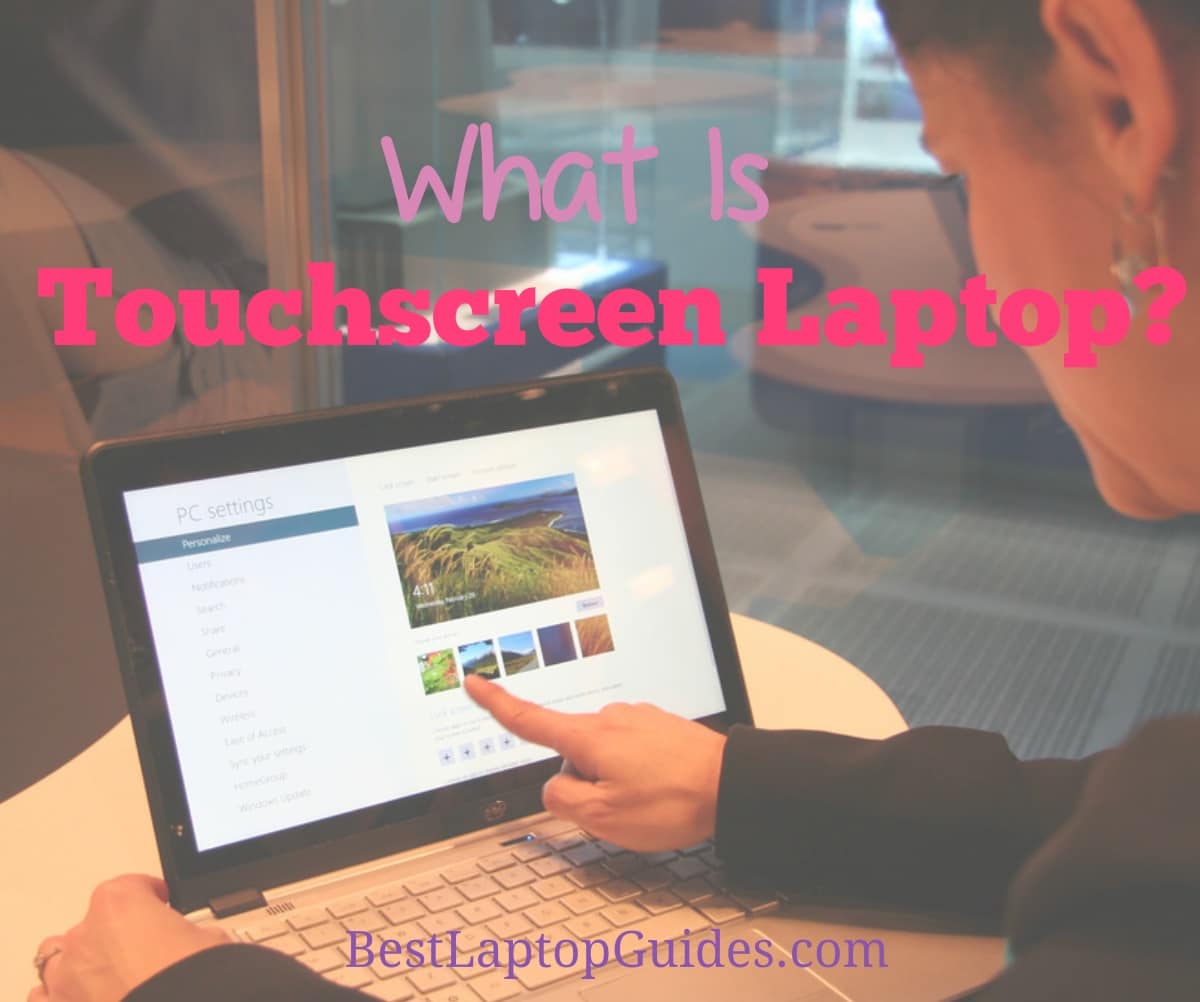
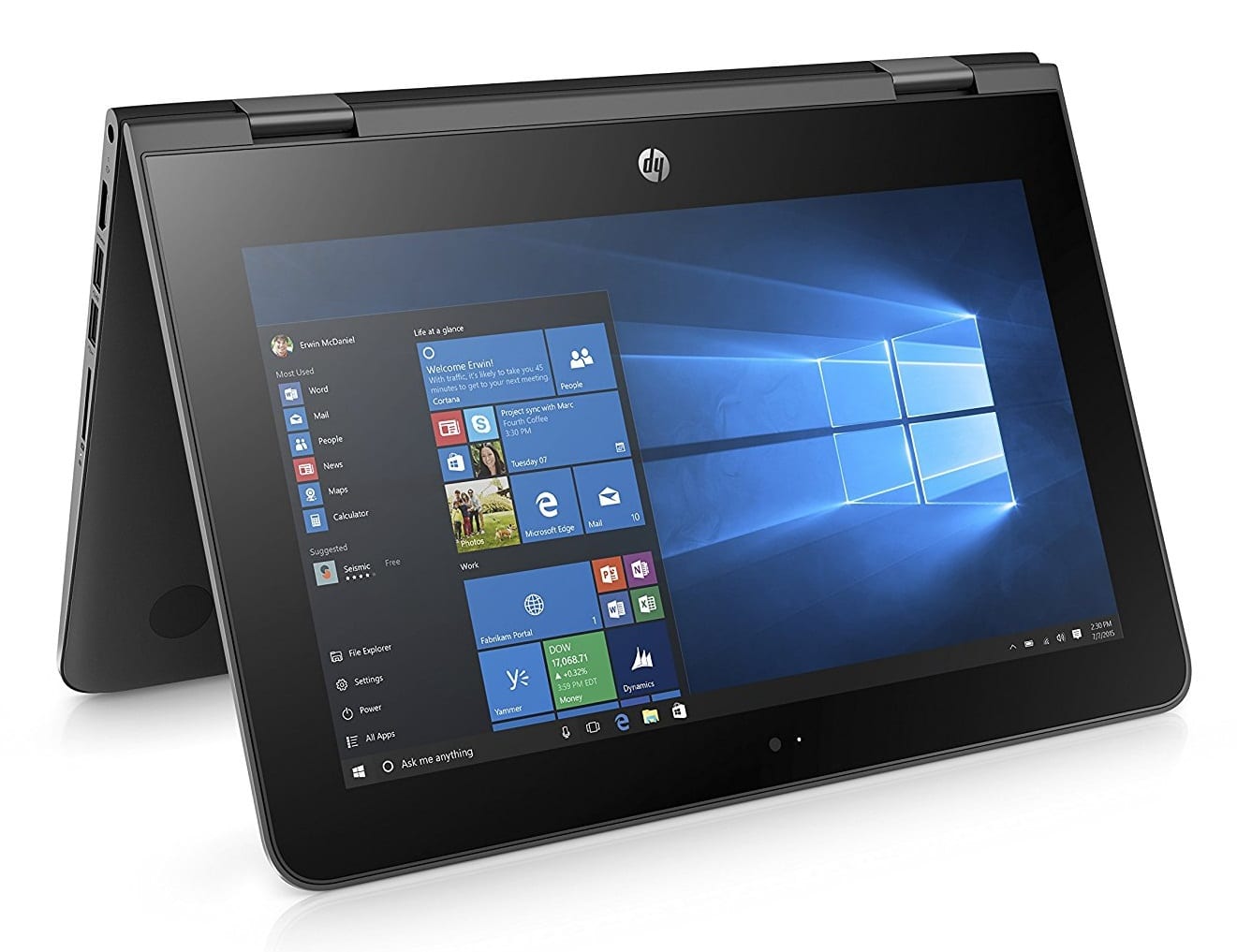
If you already have a smartphone or a tablet, you are very familiar with the way touchscreens work. They make every task a lot easier and quicker. Touchscreen laptops come in different variations. For instance, the majority of them have the 360 hinge that can be used in order to transform the laptop into a tablet with just one move. Others are real hybrid devices that have the attachable keyboard. So you will get two different devices in one. Touchscreen laptops often have exquisite display quality. The colors and brightness are amazing and the viewing angles will astonish you.
A touchscreen laptop is generally heavier than a regular one, especially if you for a bigger model. They are often more expensive than a standard notebook but the price difference is not too large. This feature is a very nice addition that might become a norm in the years to come.
No.2 Touchscreen Laptop vs Regular Laptop
Touchscreen laptops generally resemble regular laptops and can be used as one. Surely, an addition of a touchscreen is a huge advantage because it will give you a whole new way to interact with the computer. You probably already know how easy and intuitive it is to work with a touchscreen. So instead of clicking on a trackpad, you can simply use your fingers. If you are looking for a device that will provide you with excellent user experience, touchscreen laptops are the way to go. They are very useful for students who need a fast way to multitask and do long research.
Of course, there are a couple of differences when it comes to dimensions and functionalities. Touchscreen laptops are slightly heavier than a regular laptop but the difference is not too large. You will still be able to slide it into your bag or backpack without worrying it might be difficult to carry. Therefore, a touchscreen laptop is very travel-friendly. A regular laptop doesn't have a 360 hinge or a detachable keyboard. And keep in mind that the battery life on a touchscreen laptop will not be spectacular because a touchscreen will need more power in order to work. Not to forget that touchscreen laptops have better displays that can be viewed from any angle.
Touchscreen Laptop vs Regular Laptop Summary
VS
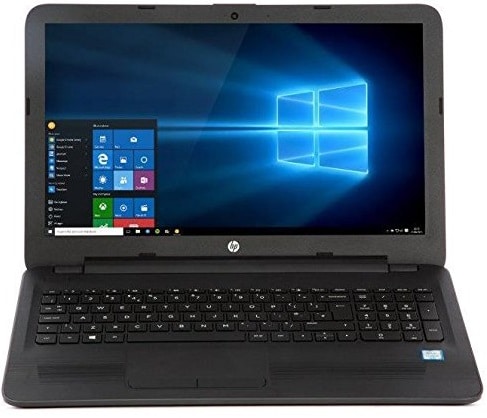
- Laptop with Addition of a touchscreen
- Use touchscreen and trackpad
- Slightly heavier
- Very travel-friendly
- Have a 360 hinge or a detachable keyboard
- Need more power
No.3 Touchscreen Laptop vs Tablet
Even though some touchscreen laptops can become tablets by completely detaching the keyboard, there are still some differences when it comes to size. Tablets such as iPad are generally on a smaller size and are usually lighter. Tablets also lack storage space. You will be lucky if you get more than 128GB. On the other hand, you will get a full HDD or SSD with a touchscreen laptop. Tablets do have limited storage and you will run out of it faster, especially if you use it for gaming. Tablets do have better batteries and you don’t have to worry about finding the power source while you are out of your home. They can work for up to ten hours of constant browsing while a touchscreen laptop will probably run out of juice in six or seven hours, depending on your setting.
Touchscreen laptops do have a keyboard so typing and word processing are a lot easier on it. Tablets are almost useless when it comes to creating text documents and typing for hours is pretty uncomfortable so they might not be the best choice if you plan on doing business related tasks on it. If you want a more all-around device, touchscreen laptop might be for you.
Touchscreen Laptop vs Tablet Summary
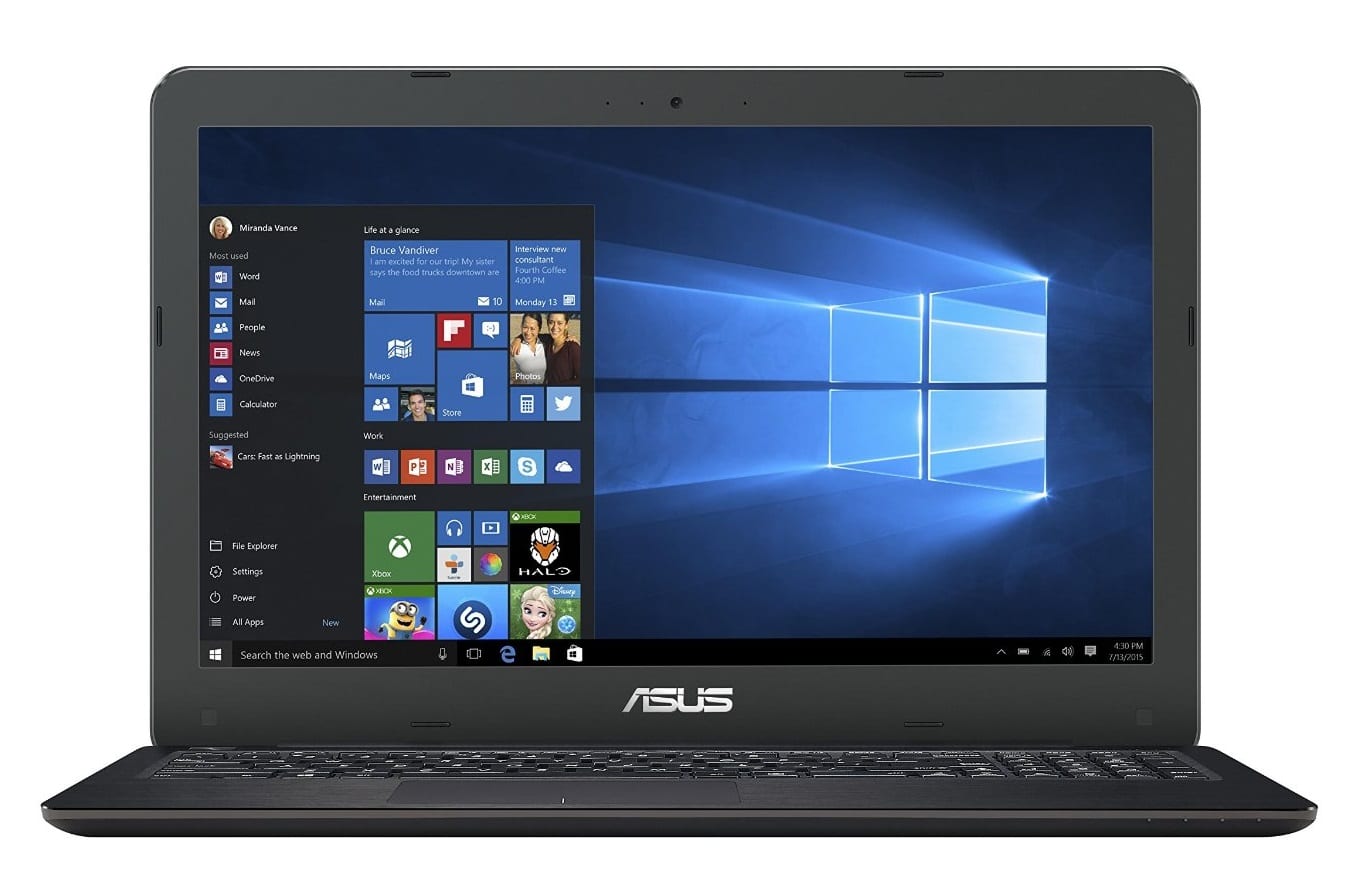
VS
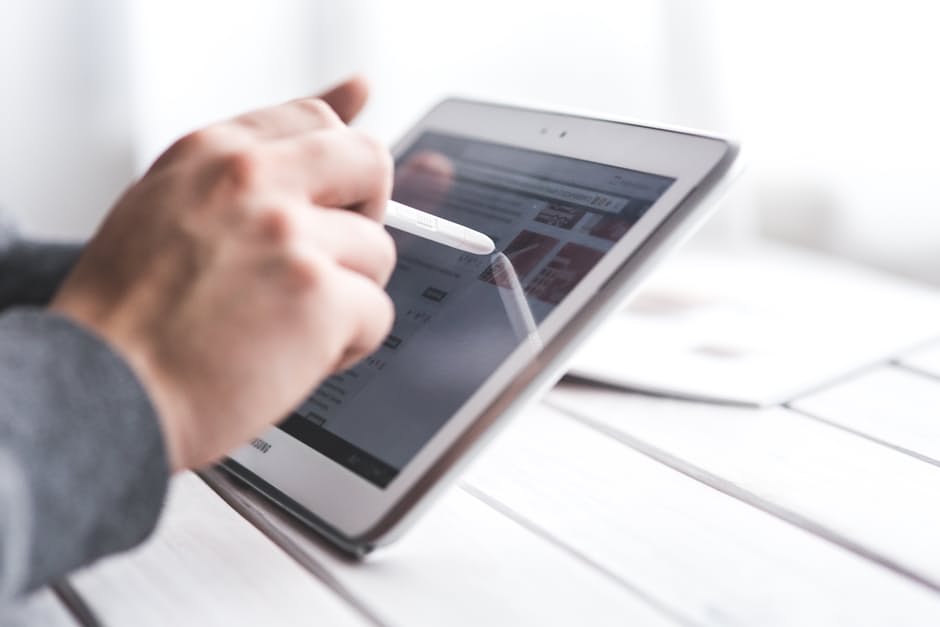
- Bigger size than normal tablet
- More storage space with HDD or SSD storage
- Battery worse than tablet
- Have keyboard so word processing is easier
No.4 Touchscreen Laptop vs Surface Pro
Surface Pro is marketed as a tablet that can completely replace your laptop. Microsoft really did an excellent job with this device and they designed it as a hybrid for a next generation. Surface Pro will be a very useful tool for designers because you can kick back the stand and work at an exact angle you need at the moment. Touchscreen laptops usually have four modes if they have a 360 hinge so finding the best position might be a bit tricky. Plus, Surface Pro has its own pen that will help you a lot if you are a graphic designer.
On the other hand, Surface Pro is not great for word processing. The keyboard might not be the most comfortable option for hours and hours of typing. The trackpad is also on a smaller side. So if you need a laptop that would be used mostly for typing, a touchscreen laptop might be the better choice. Surface Pro is lighter and probably more travel-friendly than a touchscreen laptop, depending on a model you end up comparing it to. Surface Pro is also slightly more expensive than a touchscreen laptop so if you are working with a limited budget, the second option might be a bit more acceptable.
Touchscreen Laptop vs Surface Pro Summary
VS
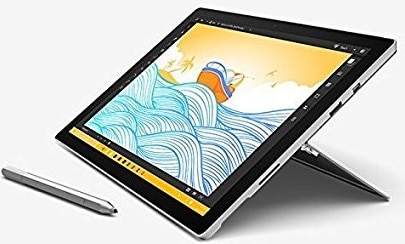
- Surface Pro will be a useful tool for designers
- The keyboard of Surface Pro is not comfortable for word processing
- Heavier than Surface Pro
- Cheaper than Surface Pro
Conclusion
We use touch screens every single day on our smartphones or tablets so it comes as no surprise that some people want a laptop with the same technology. It is intuitive and will make some tasks a lot simpler.
However, there are a couple of things you need to know before you get a touchscreen laptop, such as the fact that they use up power faster so the battery life is not so great and they add some extra weight to your laptop. If you don’t mind these differences, purchasing a touchscreen laptop is most definitely a good idea because they make browsing easy. Plus, watching videos or playing games will be a whole new experience for you.
Leave a Reply